
Changelog

Follow new updates and improvements to GoCSM.

🔁 New Enhancement: Churned Users Are Now Tagged & Removed from Workflows

We’ve just rolled out a powerful update to how churned accounts are handled in GoCSM — helping you keep your system clean and your automations accurate.

🆕 What’s New

When a SaaS Company is marked as “Churned” (i.e., canceled their subscription):

  • ✅ All users under that company are now automatically tagged as

    Churned

  • 🚫 Churned users are also removed from all active Workflows and Pipelines

💡 Why This Matters

  • 🧹 Cleaner Automation Flows:

    Prevent churned users from receiving irrelevant emails or offers.

  • 📊 Better Reporting:

    Ensure segmentation and metrics reflect actual customer status.

  • 🔄 Streamlined Retention Strategy:

    Focus your CSM efforts only on active users while optionally creating separate win-back workflows for churned ones.

This logic is now live and requires no setup.

Churned Companies = SaaS customers who’ve canceled

→ All associated users = Tagged Churned + Removed from Pipelines & Workflows
NewImprovedHealth

💬 Feedback Comments Now Saved to Custom Field

You asked, we delivered!

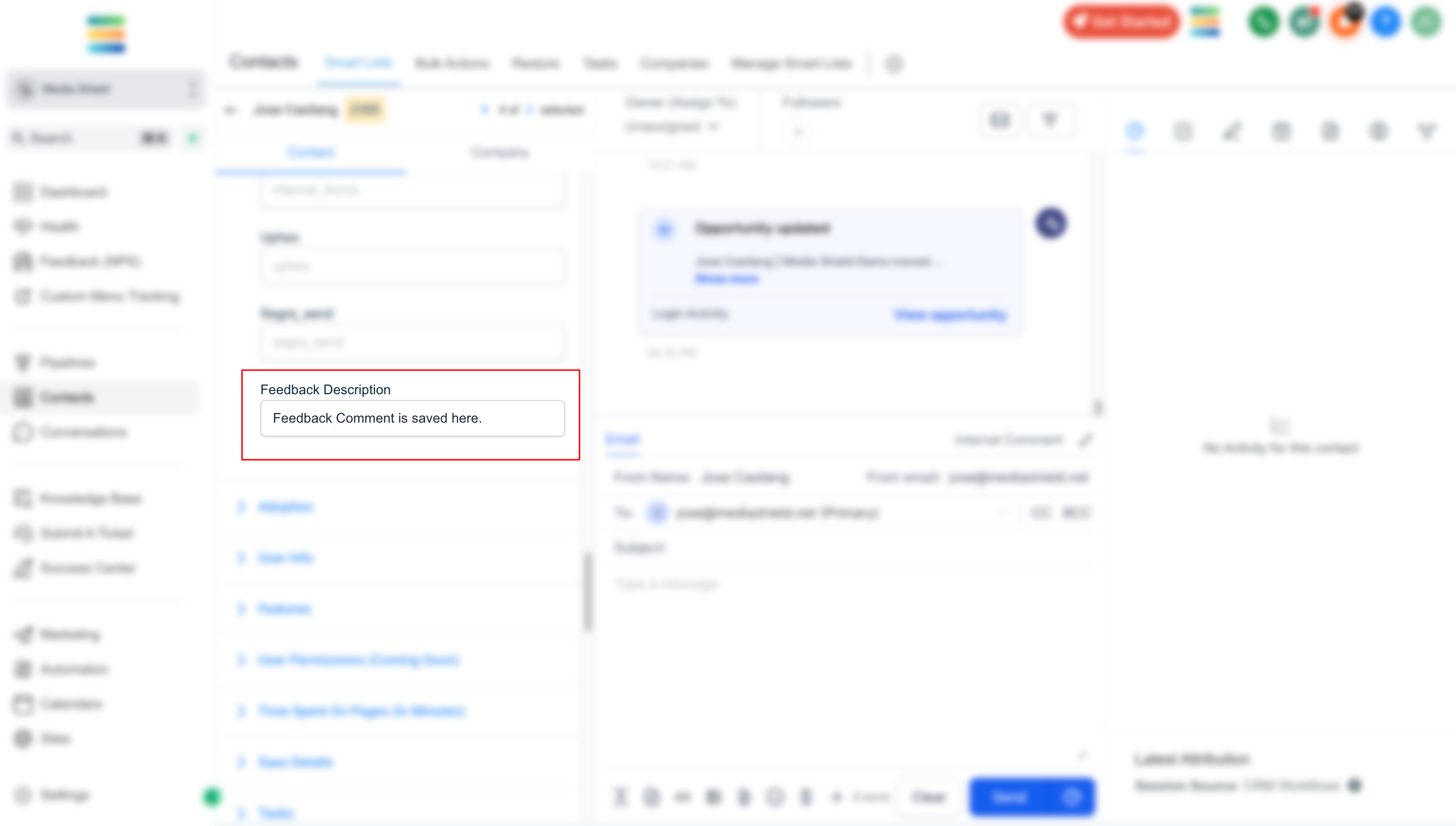
Feedback comments submitted via the GoCSM Feedback Widget are now automatically saved to a Custom Field on the contact record.

Screenshot 2025-04-24 at 6

🆕 What’s New

Every time a user submits a feedback comment, it’s now stored in a dedicated custom field.

This enables you to:

🔁 Send feedback data to third-party apps like Slack, Zapier, or CRMs.

🔔 Create detailed notifications for your team with the actual comment included.

📂 Keep a historical record of what your users are saying — all in one place.

💡Use Cases

🚨 Instant Slack Alerts:

Trigger real-time Slack messages with user comments when feedback is received.

🤝 Sales & Support Alignment:

Push detailed feedback into your CRM or Helpdesk tools for better customer context.

📊 Feedback Reporting:

Use the custom field for advanced segmentation and reporting inside your workflows.

This enhancement is live now — no extra setup required!